This tour is a projector-ready presentation of the staff system at /manage. Arrow keys and Space change slides. F is fullscreen, G is the slide grid, P prints a handout.
Staff login: https://med.vwid.am/manage/login
Waiting-room TV (no login, no names): /board
The patient app is a separate product at / — open the other tour for that story.
Languages HY / RU / EN sit in the top bar. Clinic default is Armenian.
+
Med CRM
Access2 / 26
Who sees what
One login, several roles. Admin passes every gate. A person can hold more than one role (head + doctor).
Doctor: My day, visit notes, orders, own plans, queues. Dashboard redirects to My day.
Head: admin pages, void invoices, all plans. Chief physician is usually also a doctor.
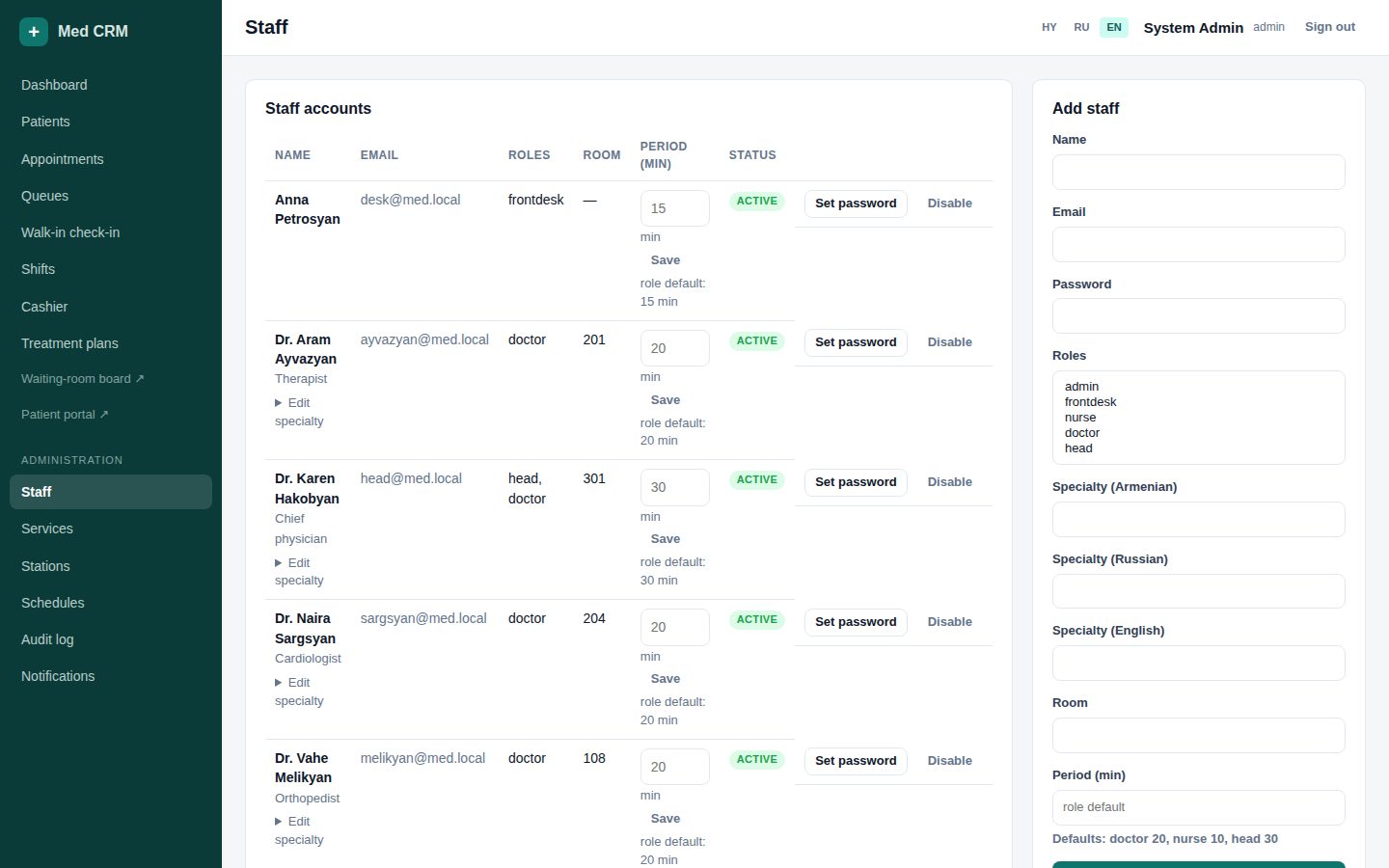
Admin: everything, including creating staff and each person’s appointment period.
Never share one password. Admin sets a personal password on Staff → Set password.
+
Med CRM
Access3 / 26
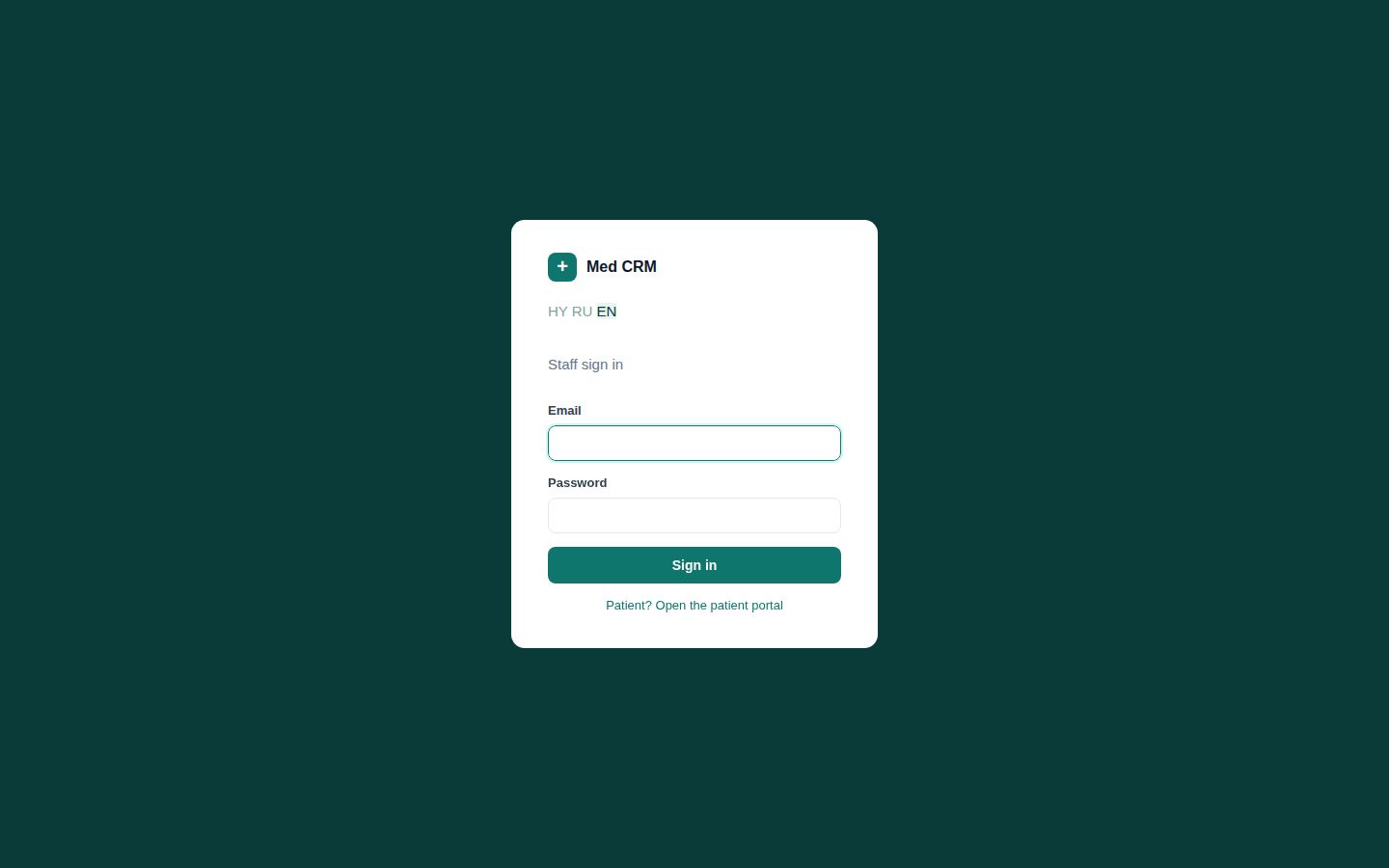
Sign in to /manage
All roles
Staff and patients use different logins. A staff login clears a patient session and the reverse.
Open /manage/login. Use the work email and password from your admin.
There is no forgot-password. Head/admin resets it on Staff → Set password.
Session lasts about 12 hours. Always Sign out on a shared computer.
Language switcher is on the login box and again in the top bar after login.
Day start4 / 26
Dashboard — today’s pulse
AdminHeadFront deskNurse
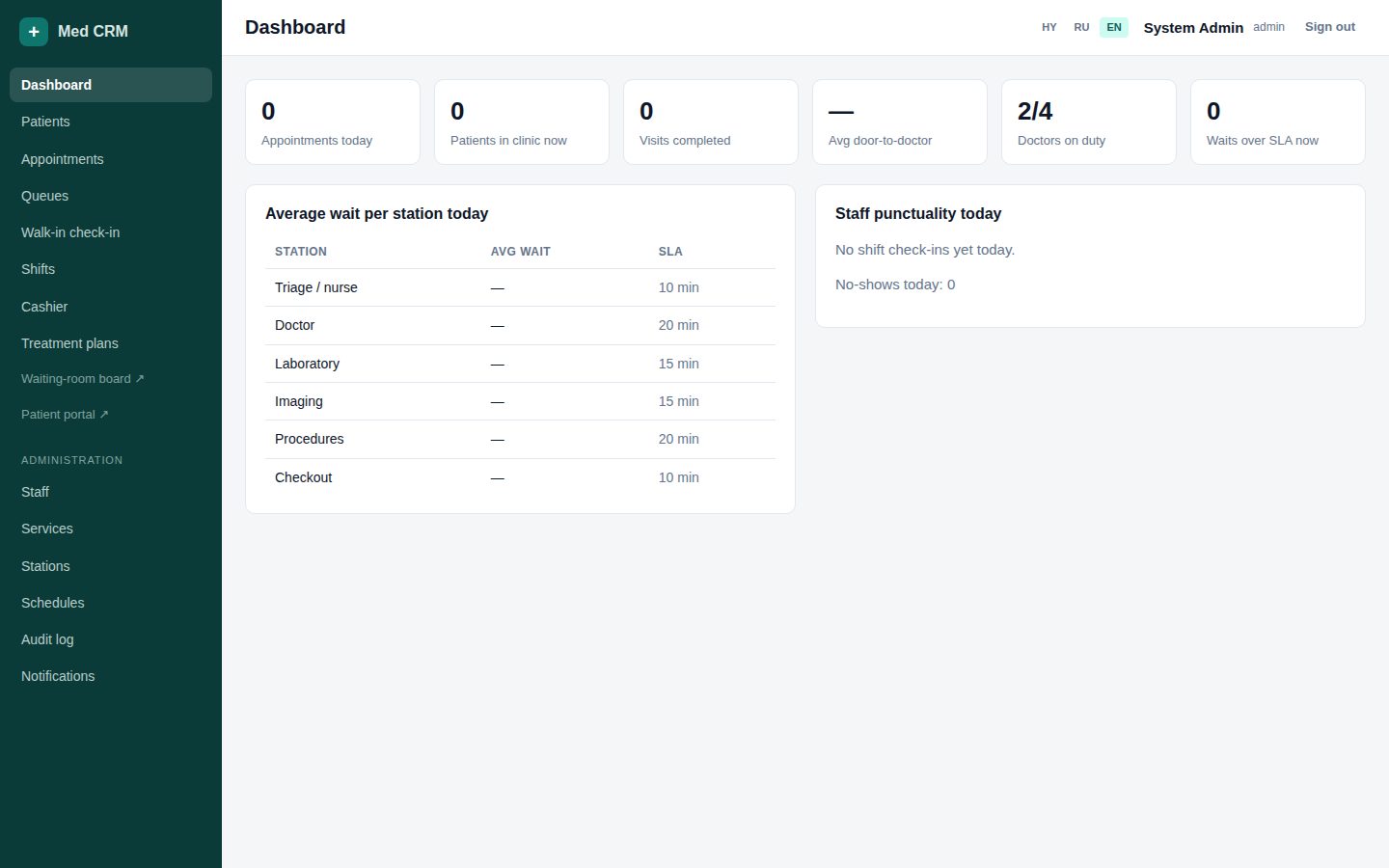
Heads and desk start here. Doctors are sent to My day. All numbers are for today only.
Compare appointments vs active/completed visits — is the corridor backing up?
SLA overdue: a step waited longer than the station limit (triage 10, doctor 20, lab/imaging 15 min).
Average door-to-doctor and wait by station — use this at the morning huddle.
Shift punctuality: who checked in after the planned start.
Day start5 / 26
Shifts — off the floor until check-in
All roles
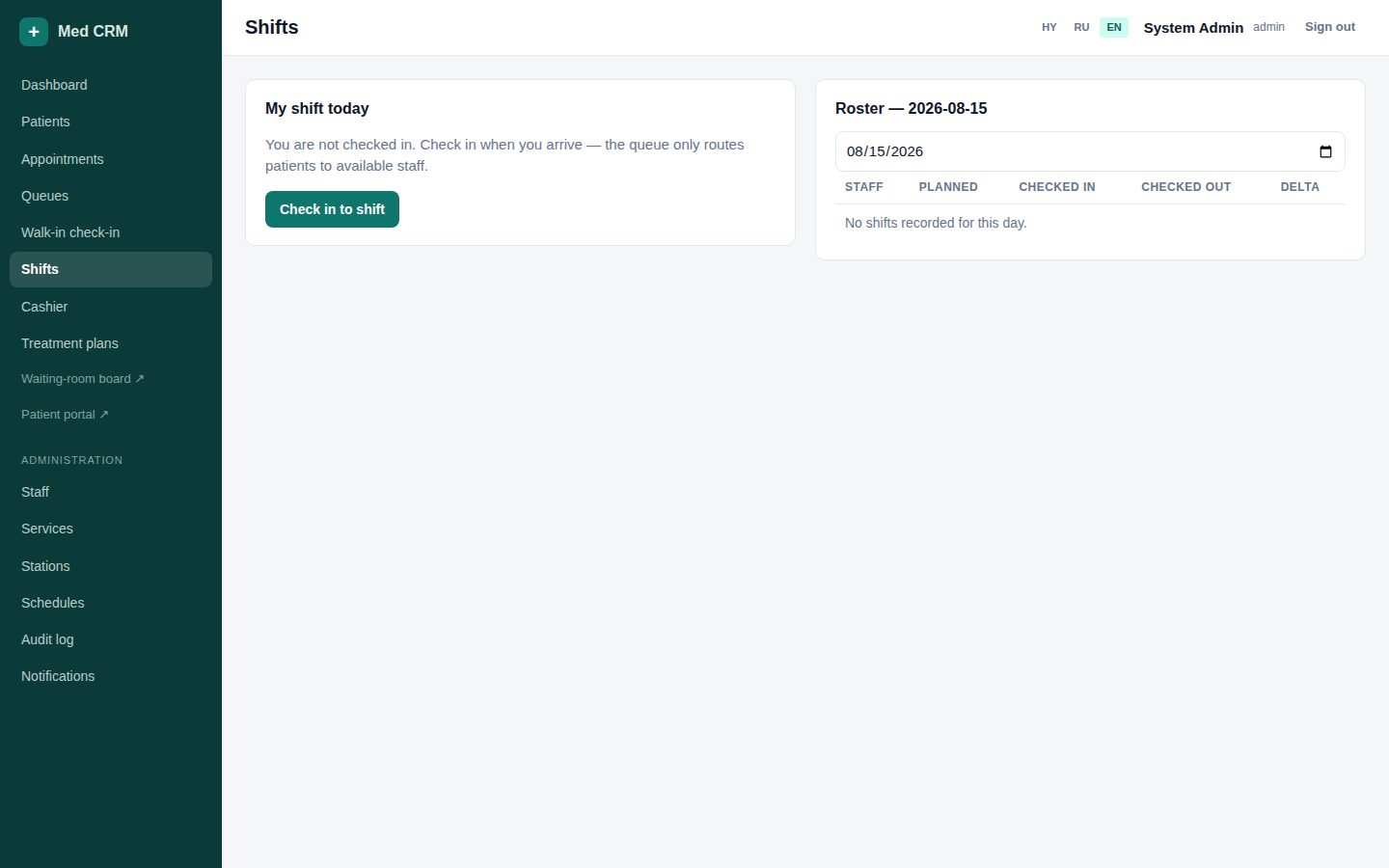
Doctor availability stays Off until shift check-in. Walk-in and the queue only route to Available people.
Open Shifts. Confirm today’s planned start/end if a roster row exists.
Click Check in when you start. The clock feeds lateness on the dashboard.
Doctors: switch Available / Busy / Break / Off so desk does not send patients into an empty room.
Check out when you leave. Do not stay Available overnight.
Registry6 / 26
Patients — search before you create
Front deskNurseDoctorHead
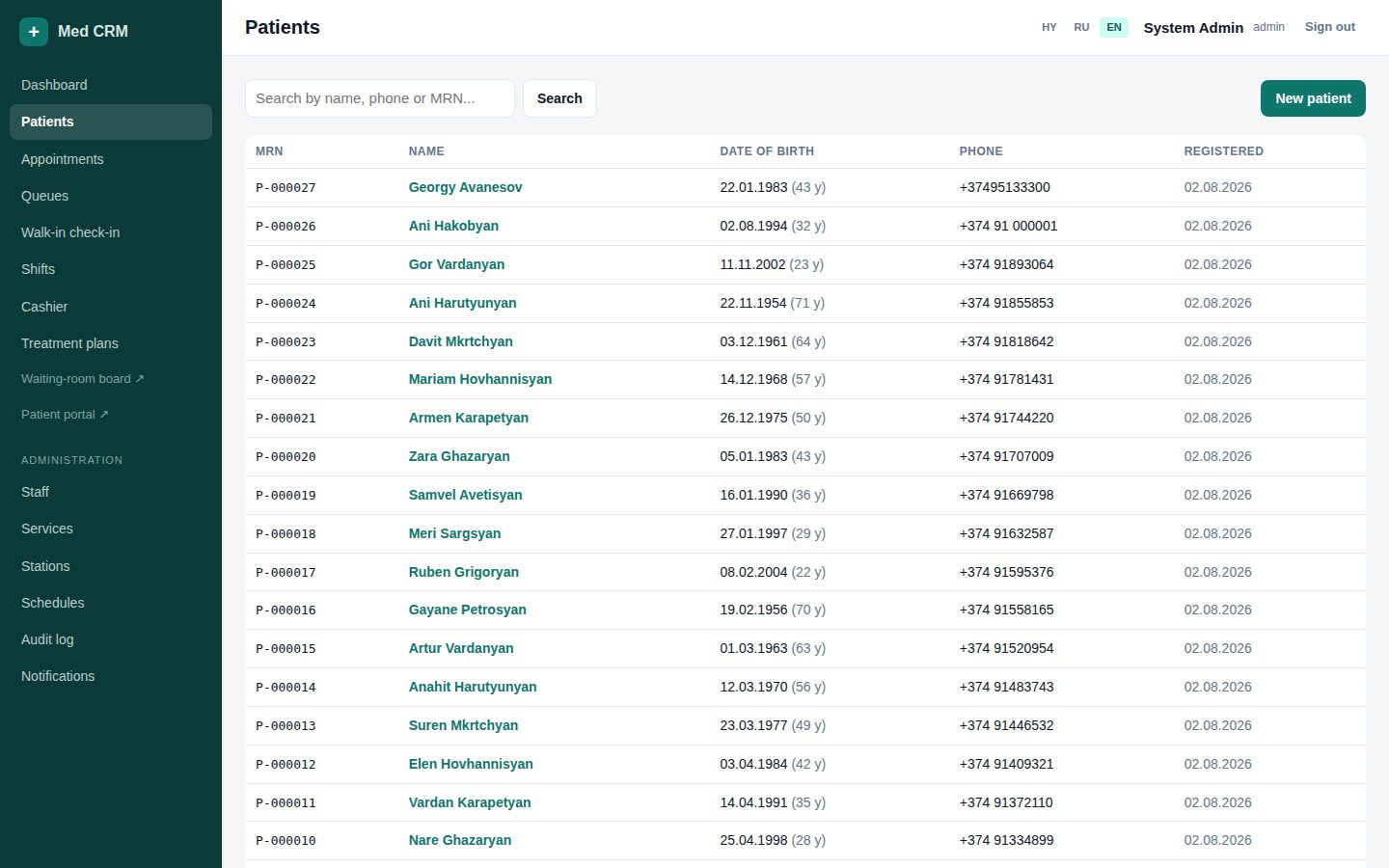
Search name, phone, MRN, national ID. A duplicate chart splits history, invoices, and plans.
Type a few letters or the last digits of the phone. Open the match if it is the same person.
MRN is automatic (P-000026). Quote it on the phone and on paper.
New patient is on the right — only after search found nothing.
Registry7 / 26
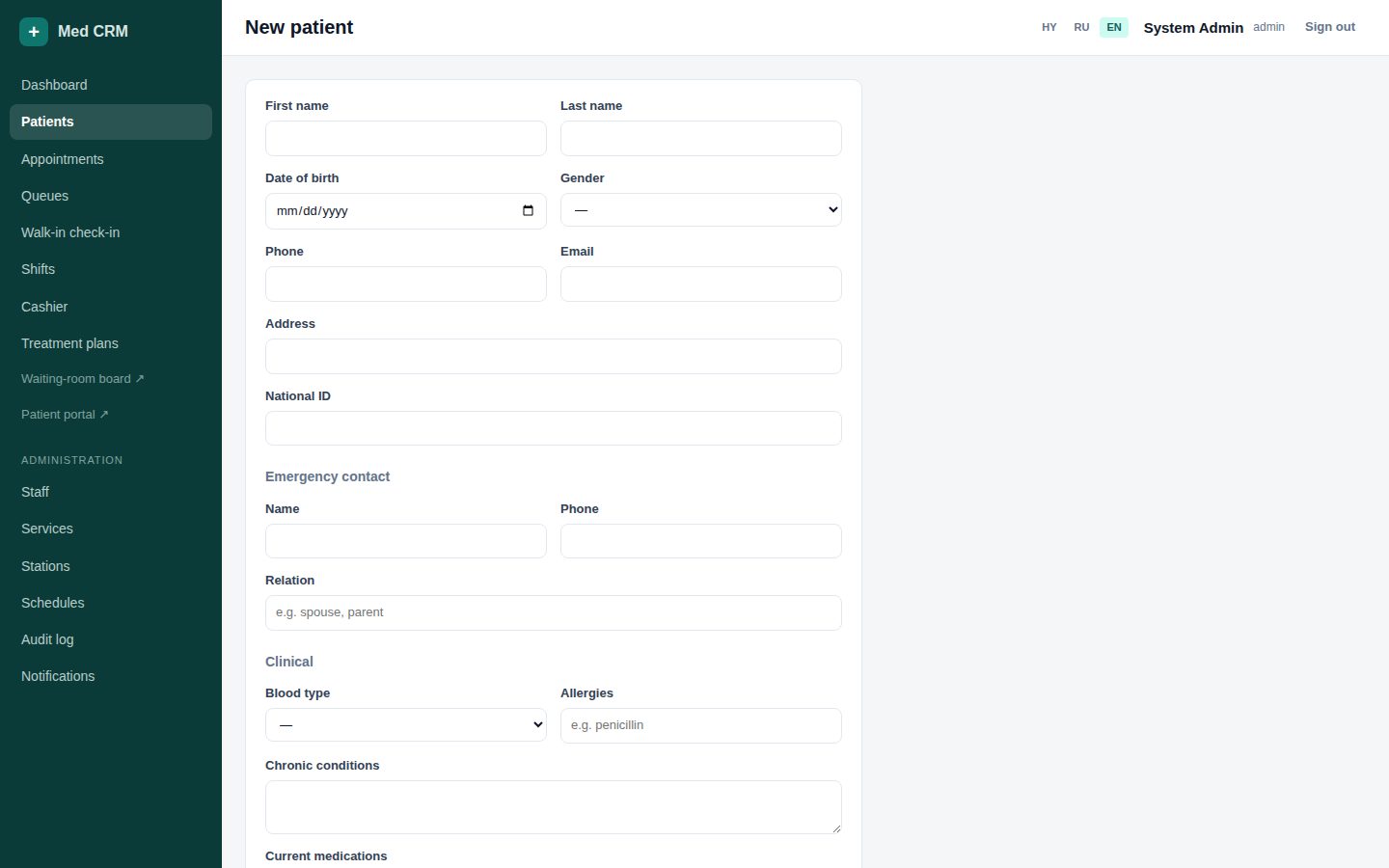
Create a patient without a duplicate
Front deskNurse
The form warns on the same phone or same first+last+DOB. Use Force only when you are sure they are two people.
Required: first and last name. Add phone and DOB whenever you can (duplicates + future SMS).
Email: if filled, the patient can later open a portal account with that address.
Blood type, chronic conditions, medications, allergies — enter what they tell you.
If a warning list appears, open the existing person instead of creating a second chart.
Registry8 / 26
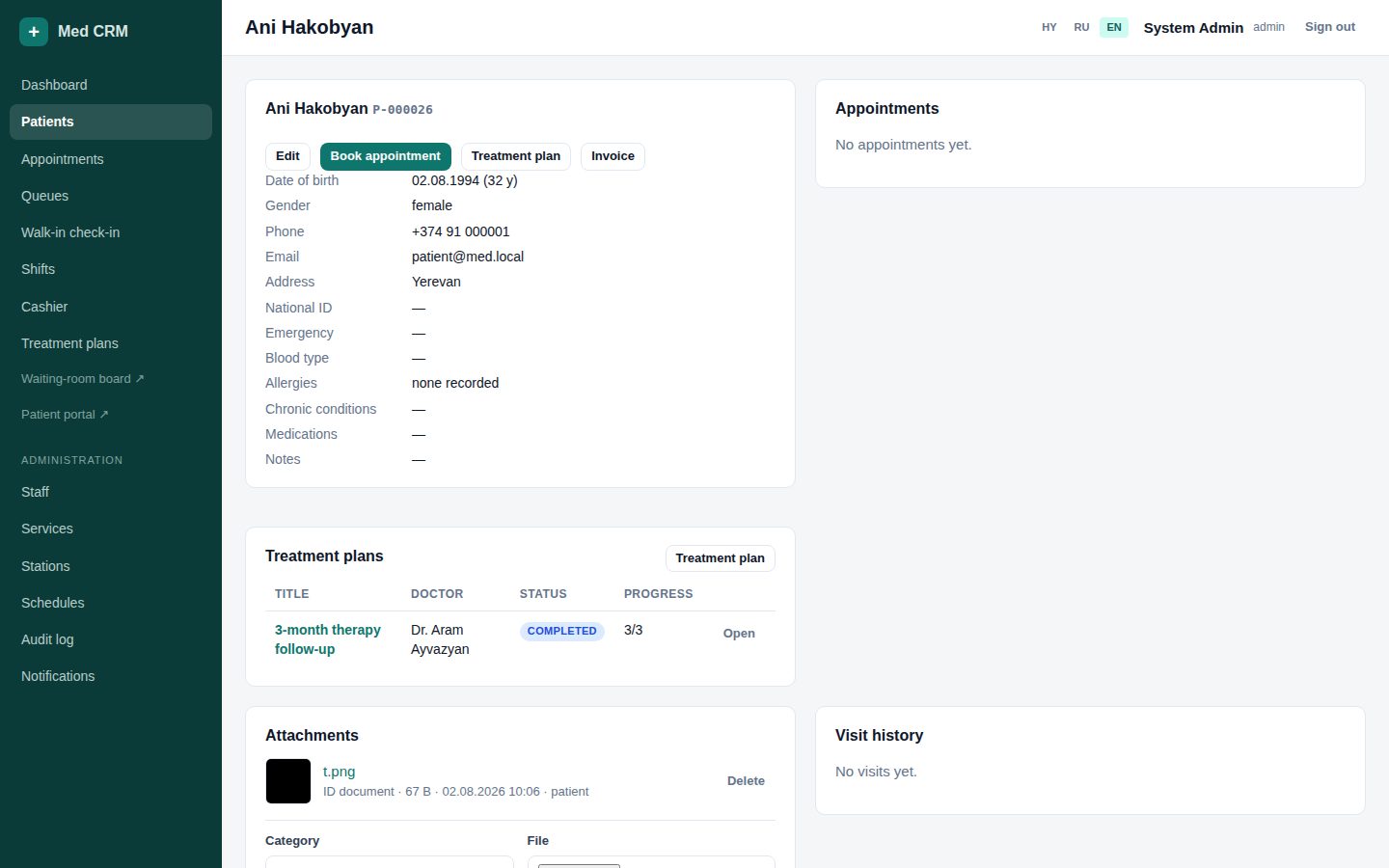
Patient card — one place for the story
All roles
Appointments, visits, notes, files, and plans sit on one page. Open this when the phone rings.
Identity: MRN, phone, email, national ID, emergency contact.
Edit uses the same form as create. Invoice opens cashier with this patient selected.
Files: id, referral, clinical, other. JPEG/PNG/WebP/GIF/PDF, max 8 MB.
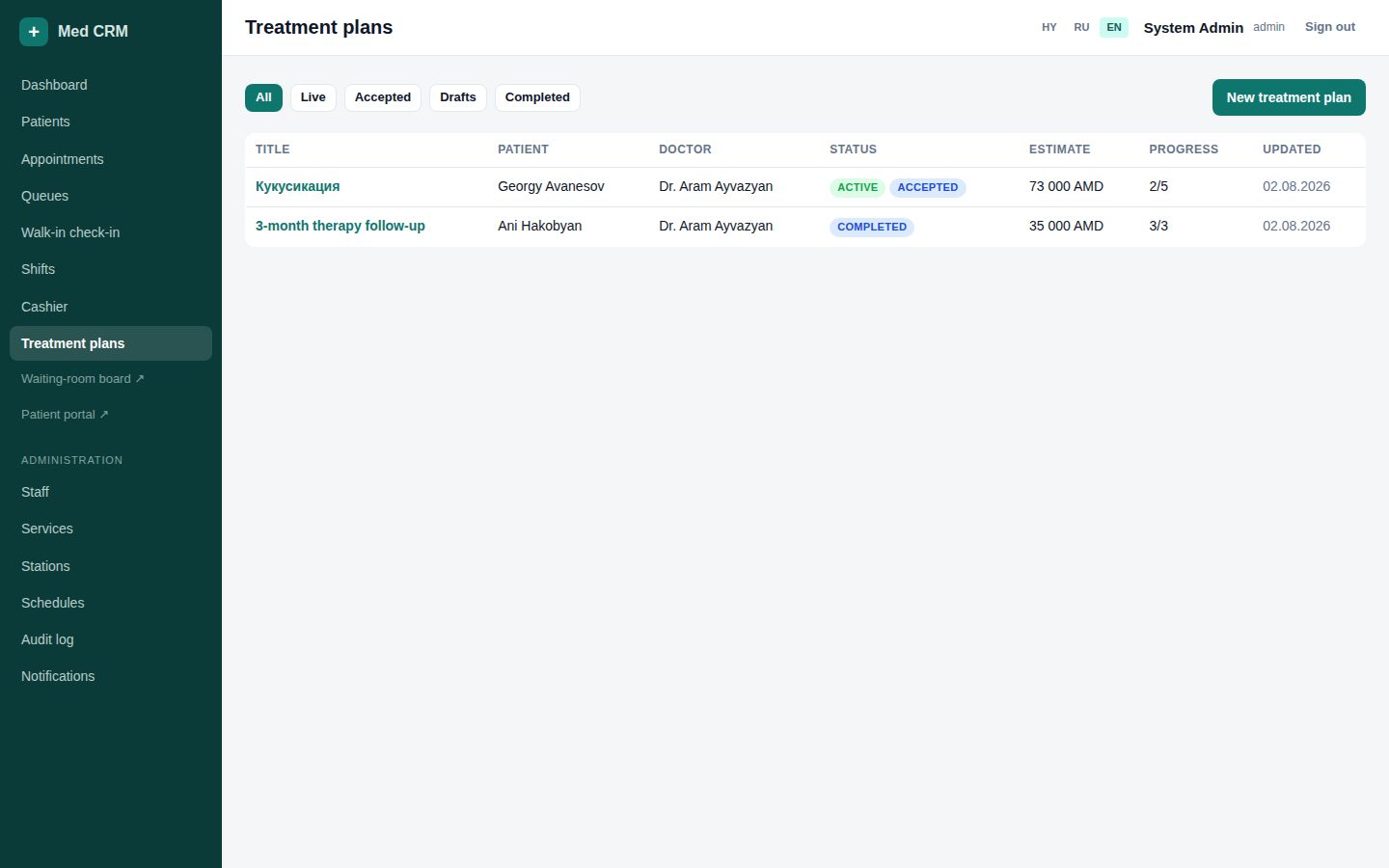
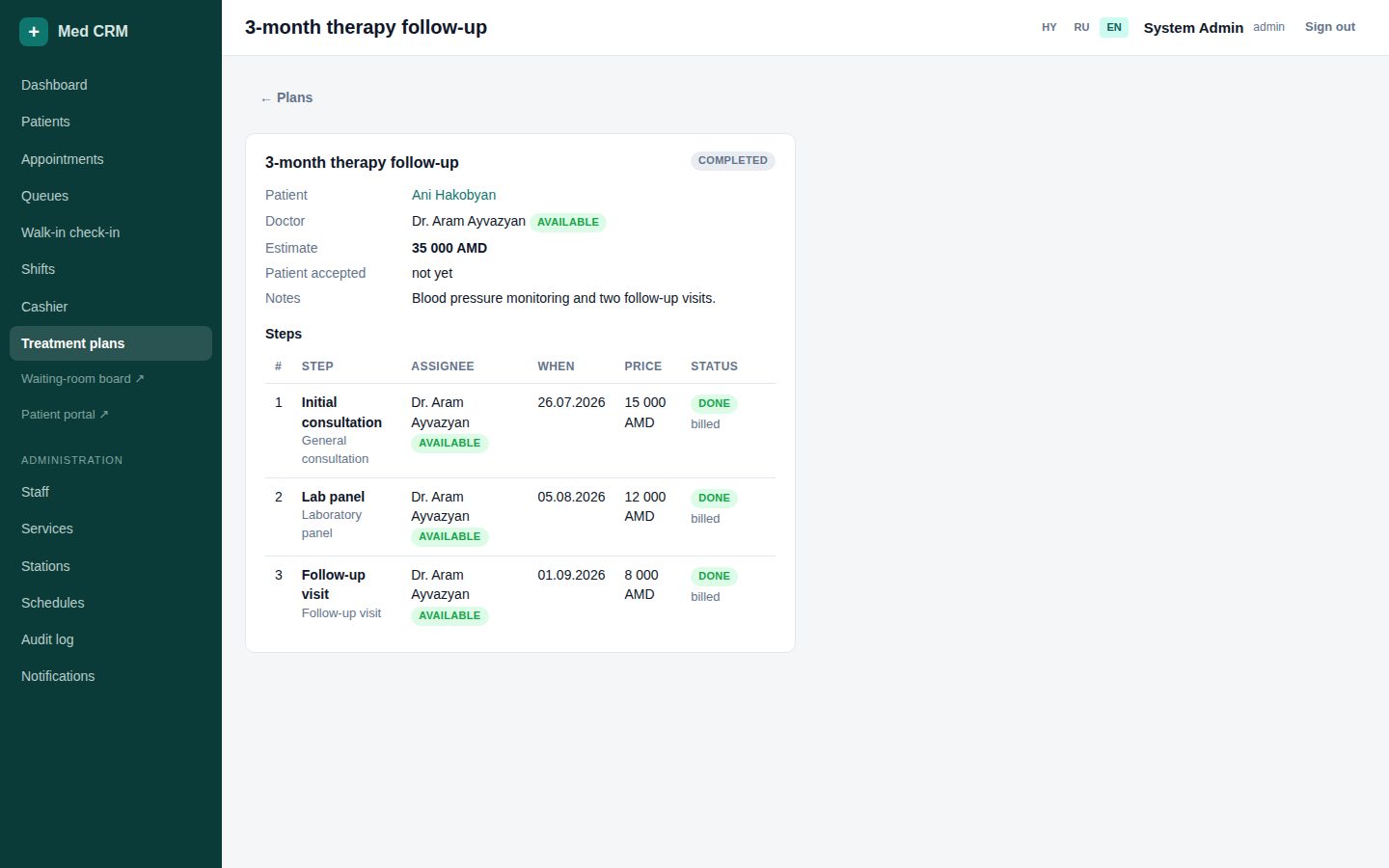
Plans on the card show live/accepted badges so head can see what is running.
Booking9 / 26
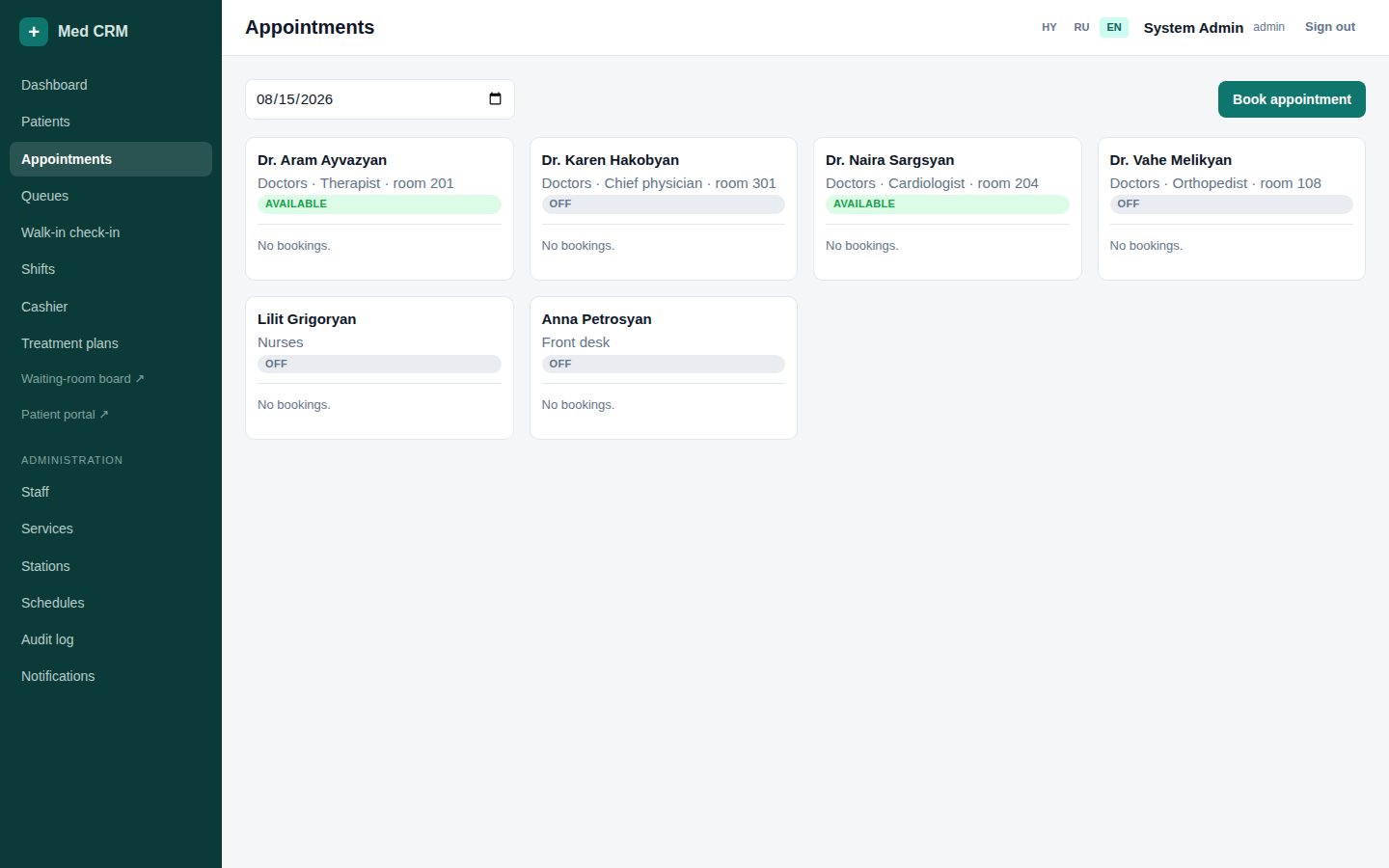
Day board — one column per staff member
Front deskNurseHead
Columns are doctors, heads, nurses, and front desk. Timed plan steps appear with a plan badge.
Change the date in the toolbar for tomorrow or a follow-up day.
Each block: time, patient, service, status (booked / checked in / cancelled / no-show).
Check in (desk/nurse) creates a Visit ticket and bills the appointment service.
Cancel = planned change. No-show = they did not arrive. Both free the slot.
Open plan on a plan-sourced block jumps to the treatment plan.
Booking10 / 26
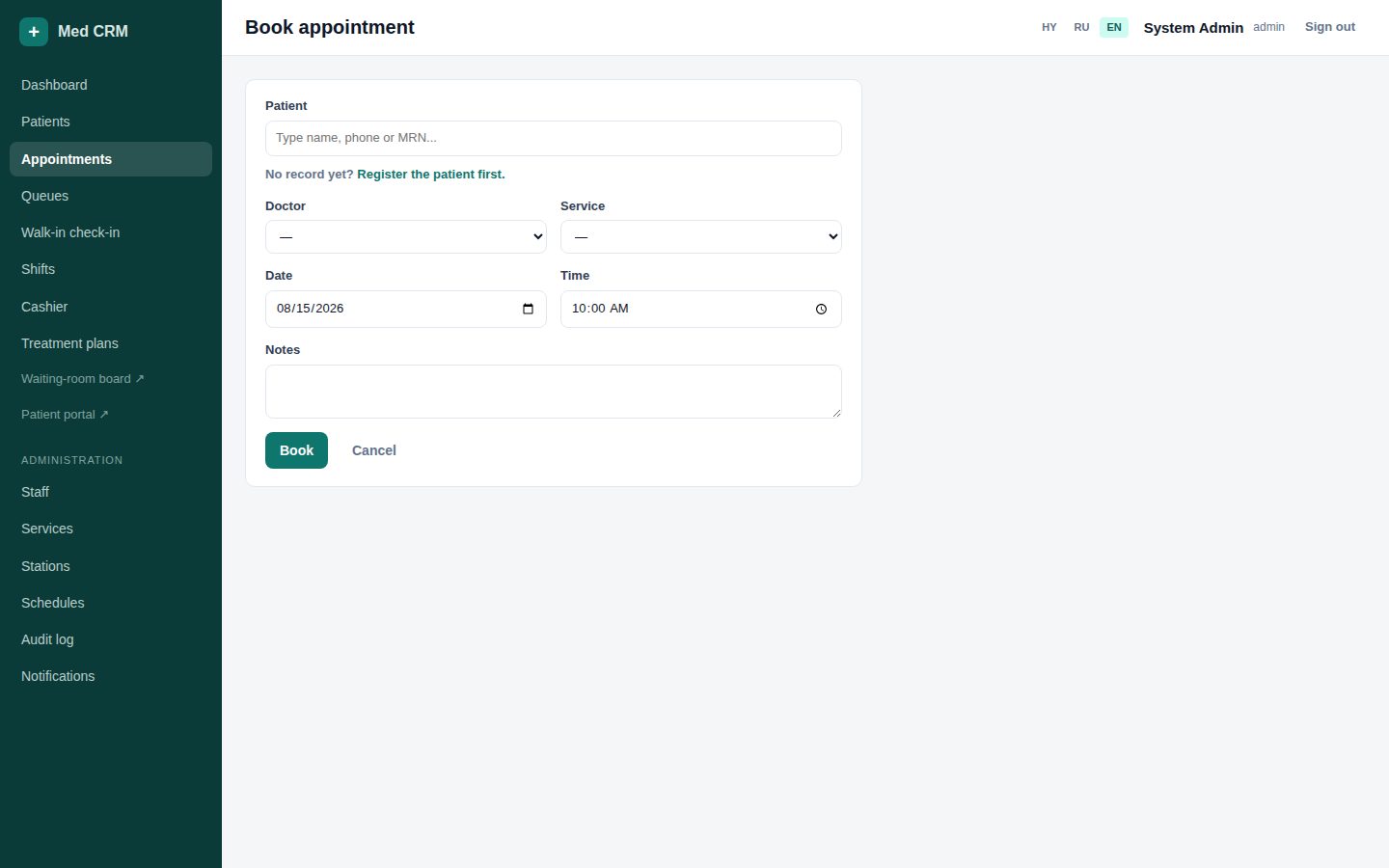
Book a slot that actually exists
Front deskNurse
Free times use that person’s period (doctor 20, nurse 10, head 30 by default) and their weekly schedule. A longer service occupies more than one period.
Patient (type-ahead) → staff → service → date, then pick a free time.
Empty list: they are off, fully booked, or have no hours that weekday.
If Schedules are empty, the system assumes 09:00–17:00 so you can still book.
Clash or outside hours is rejected. Do not double-book from memory.
Floor11 / 26
Walk-in — they are already in the building
Front deskNurse
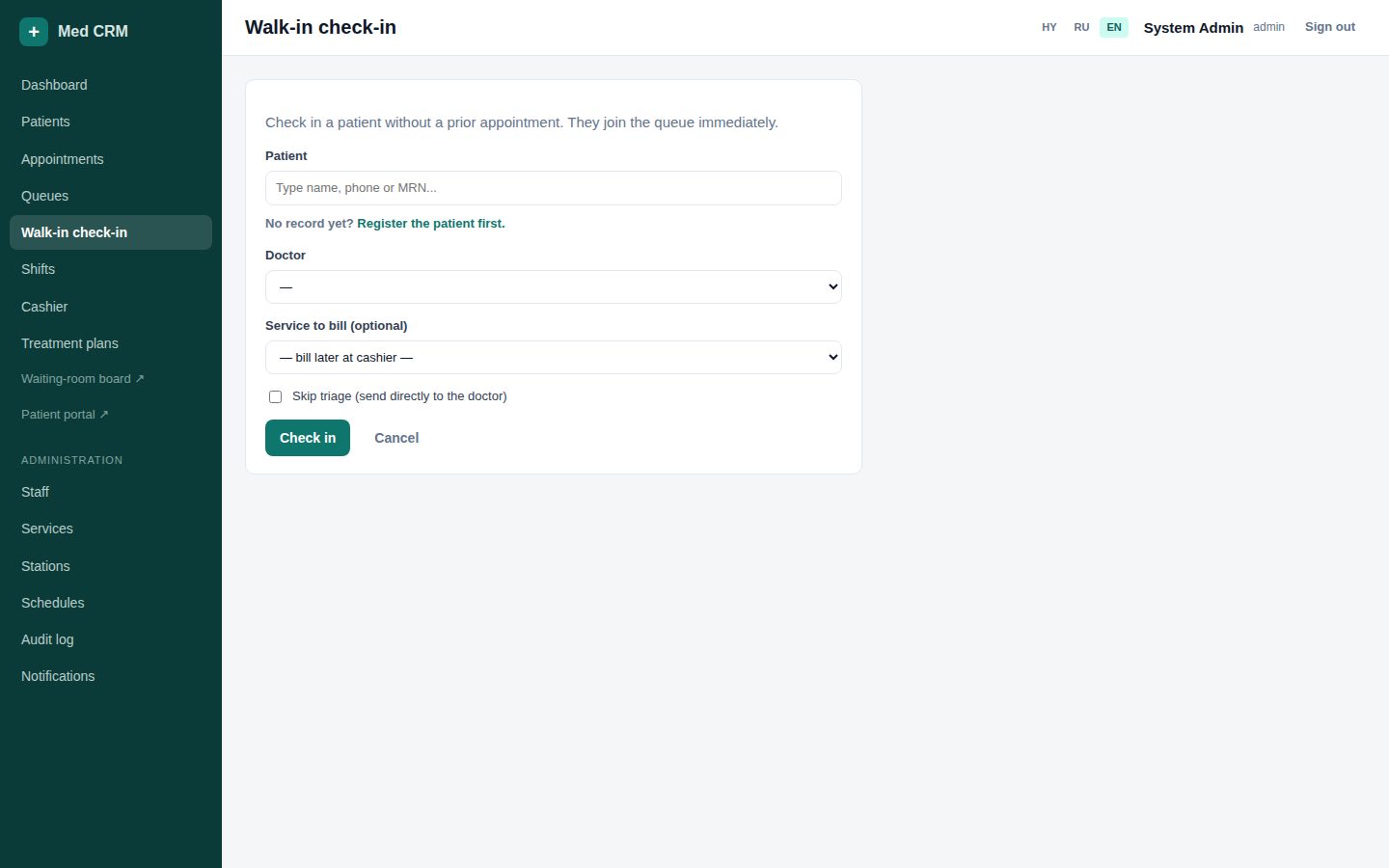
Walk-in starts a Visit immediately (ticket A-101…). Optional service is billed as walk-in. Skip triage only if a nurse already did it.
Select the existing patient (create the card first if they are new).
Choose a doctor who is Available. Off is the wrong target.
Optional service: consult now is billed as walk-in. Empty = triage only.
After submit they are in the queue. Give the ticket number and point at the TV.
Floor12 / 26
Queues — a visit is a chain of stamped steps
All roles
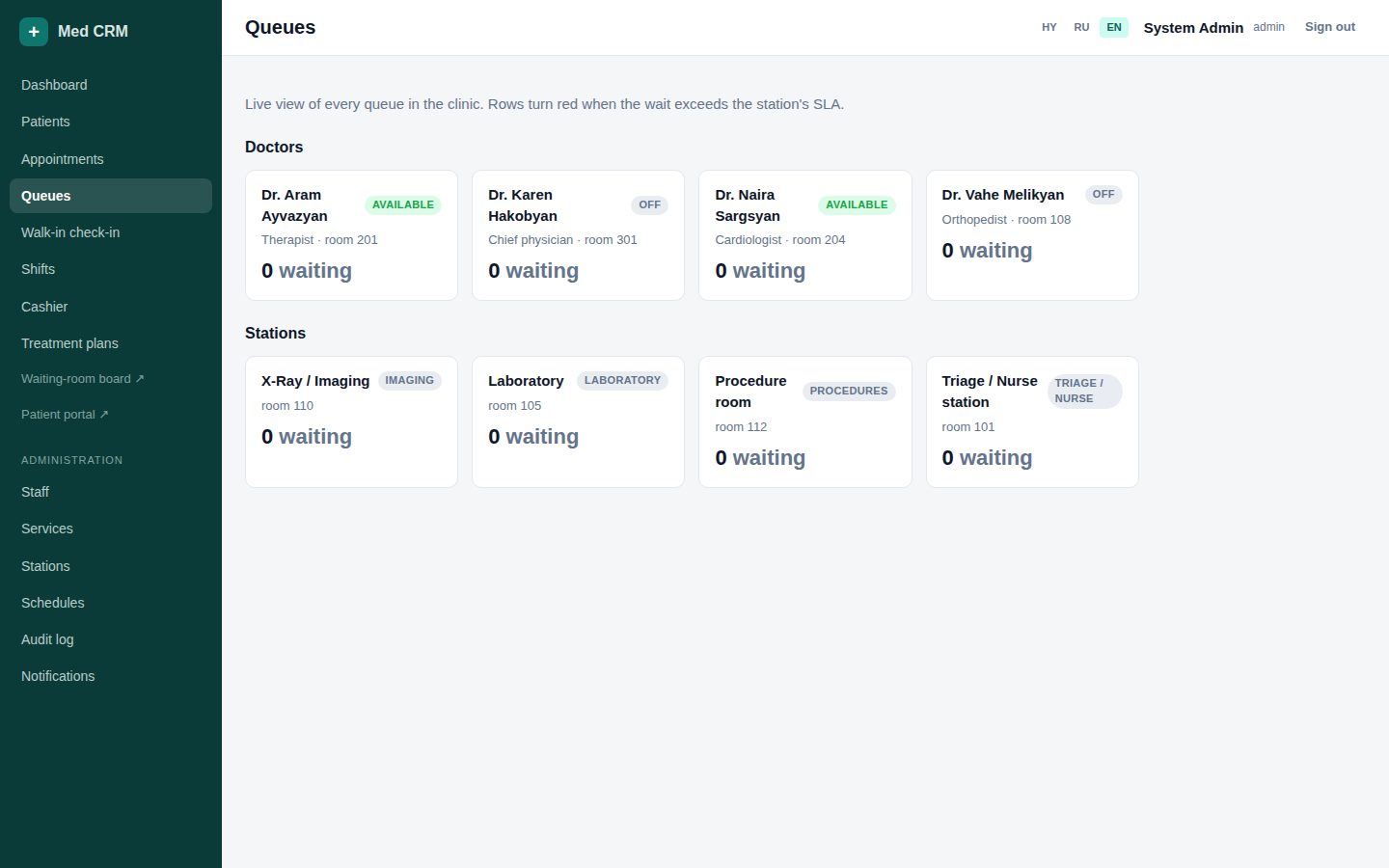
Triage → doctor → lab/imaging/procedure if ordered → doctor review. Never type wait minutes. Call / Start / Finish / Skip write the clocks.
Overview lists every live queue. Open a station or a doctor column to work it.
Call invites the patient (board updates). Start = in the room. Finish = step done, next step queues itself.
Skip if they did not need the step. Use sparingly — the chain is still stamped.
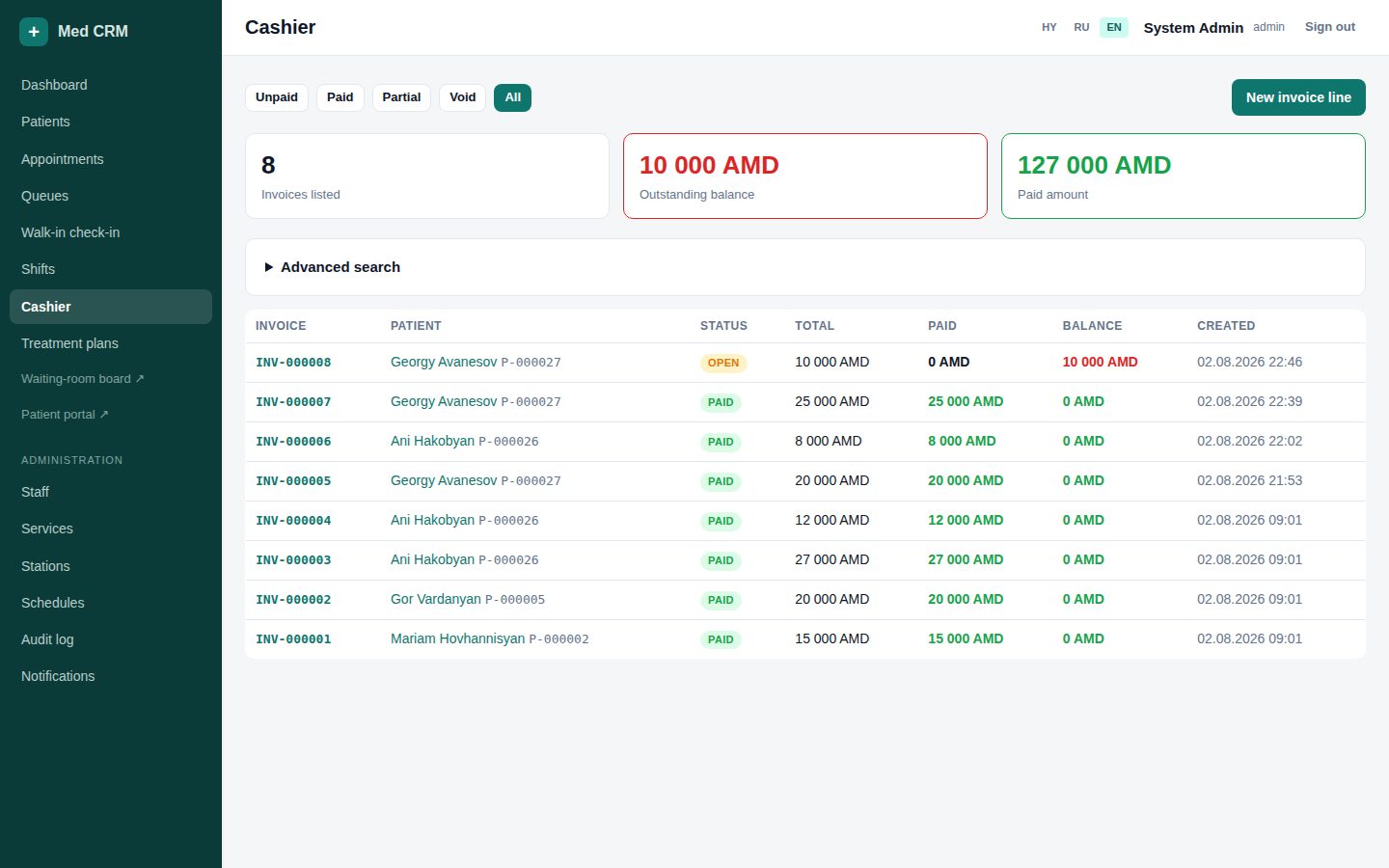
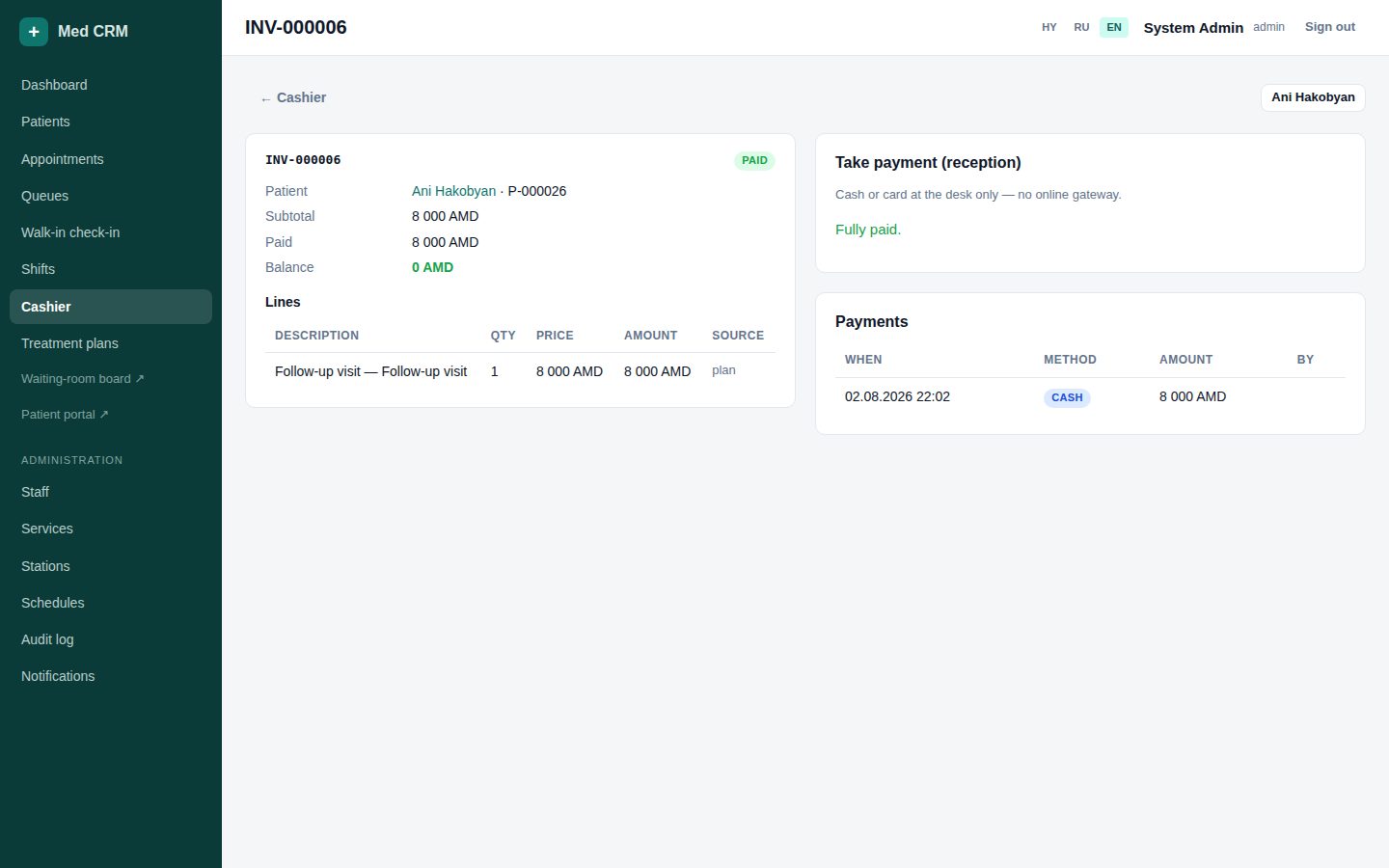
Finishing a billable diagnostic step adds a line to the open invoice.
A toast + chime tells desk and the next doctor (name, MRN, ticket).
Floor13 / 26
Station screen — one room, one queue
NurseFront desk
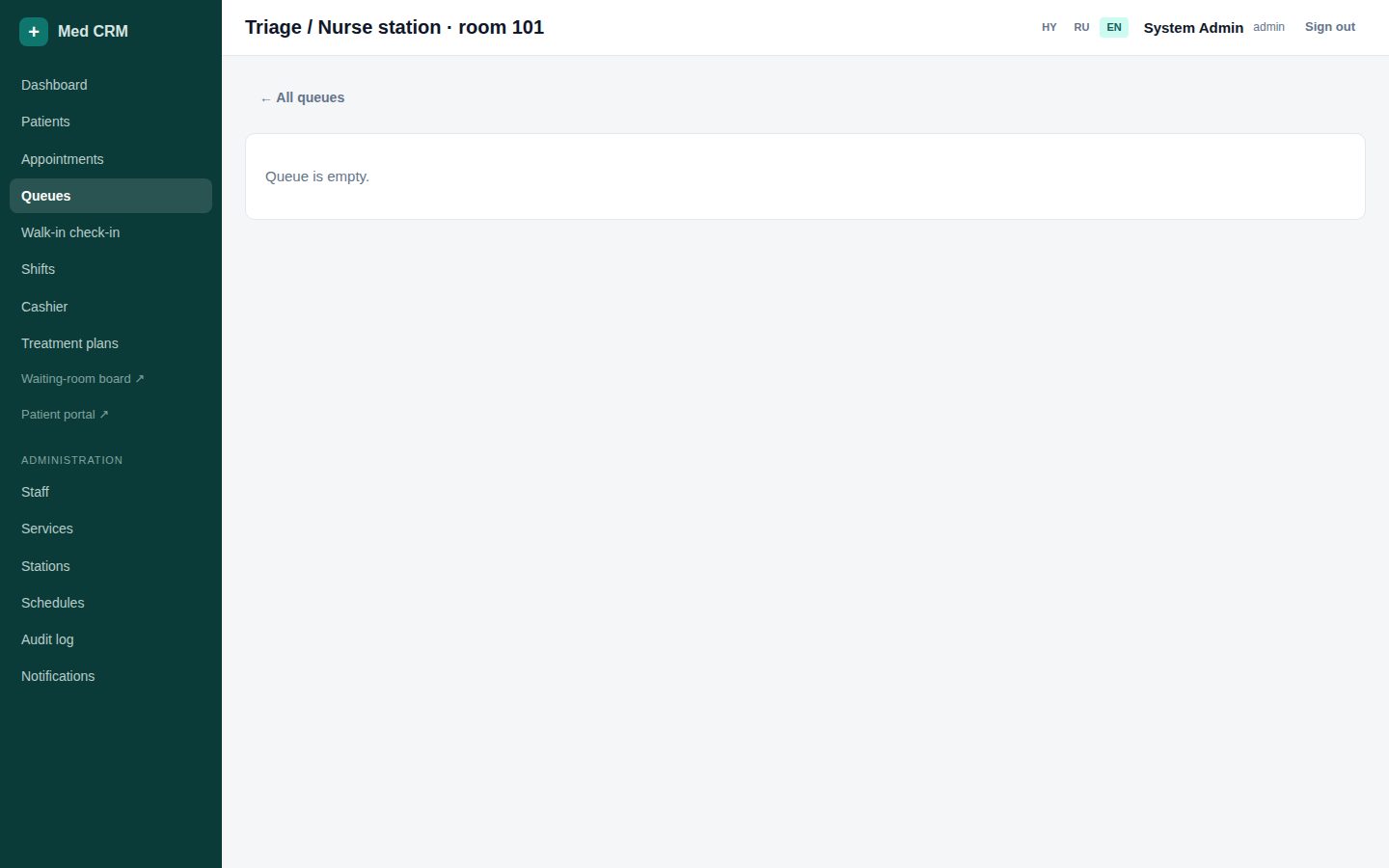
Lab, imaging, procedure, and triage each have a dedicated screen. Keep it open on the room PC.
Called / in progress at the top; waiting below with minutes already waited.
Work Call → Start → Finish. Do not Finish someone you never Started — SLA will lie.
Overdue rows are highlighted. Pull the overdue patient before a fresh walk-in if it is safe.
Floor14 / 26
Waiting-room TV — tickets only
Front deskNurse
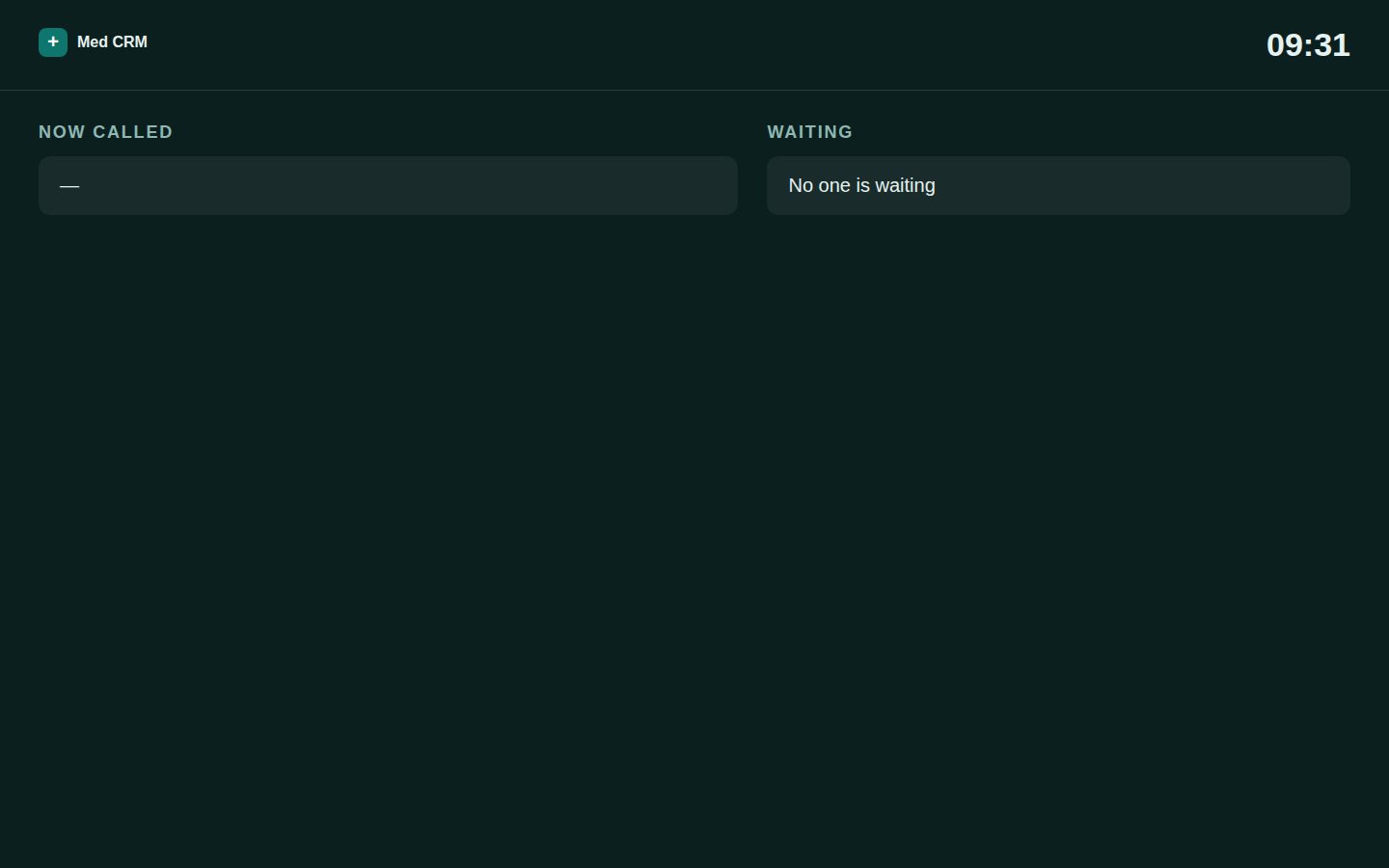
Public URL /board. No login. No patient names. Ticket + room. It updates when the queue changes.
Fullscreen browser on the TV: https://med.vwid.am/board
Tell the patient: your number is A-104. Watch the screen, not the desk.
Never open /manage on the TV — that would show names.
Clinical15 / 26
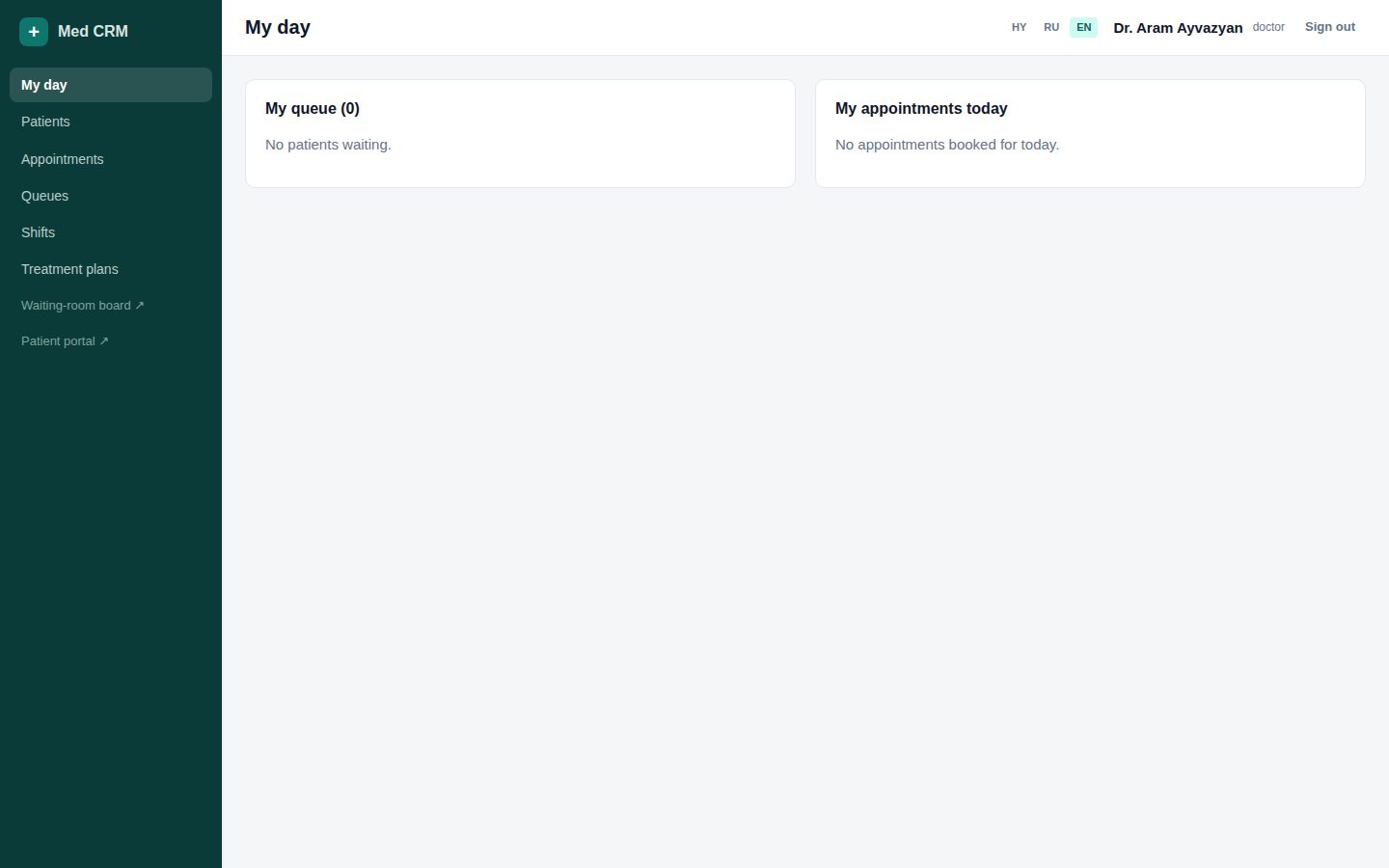
My day — your queue and today’s bookings
DoctorHead
Doctors land here after login. Left: people already in your queue. Right: booked appointments still to arrive.
Check in on Shifts first, then set Available — otherwise desk cannot send walk-ins.
Open a visit to write the note, order diagnostics, and advance the queue.
Today’s appointments show who is still in the waiting room vs already inside.
Clinical16 / 26
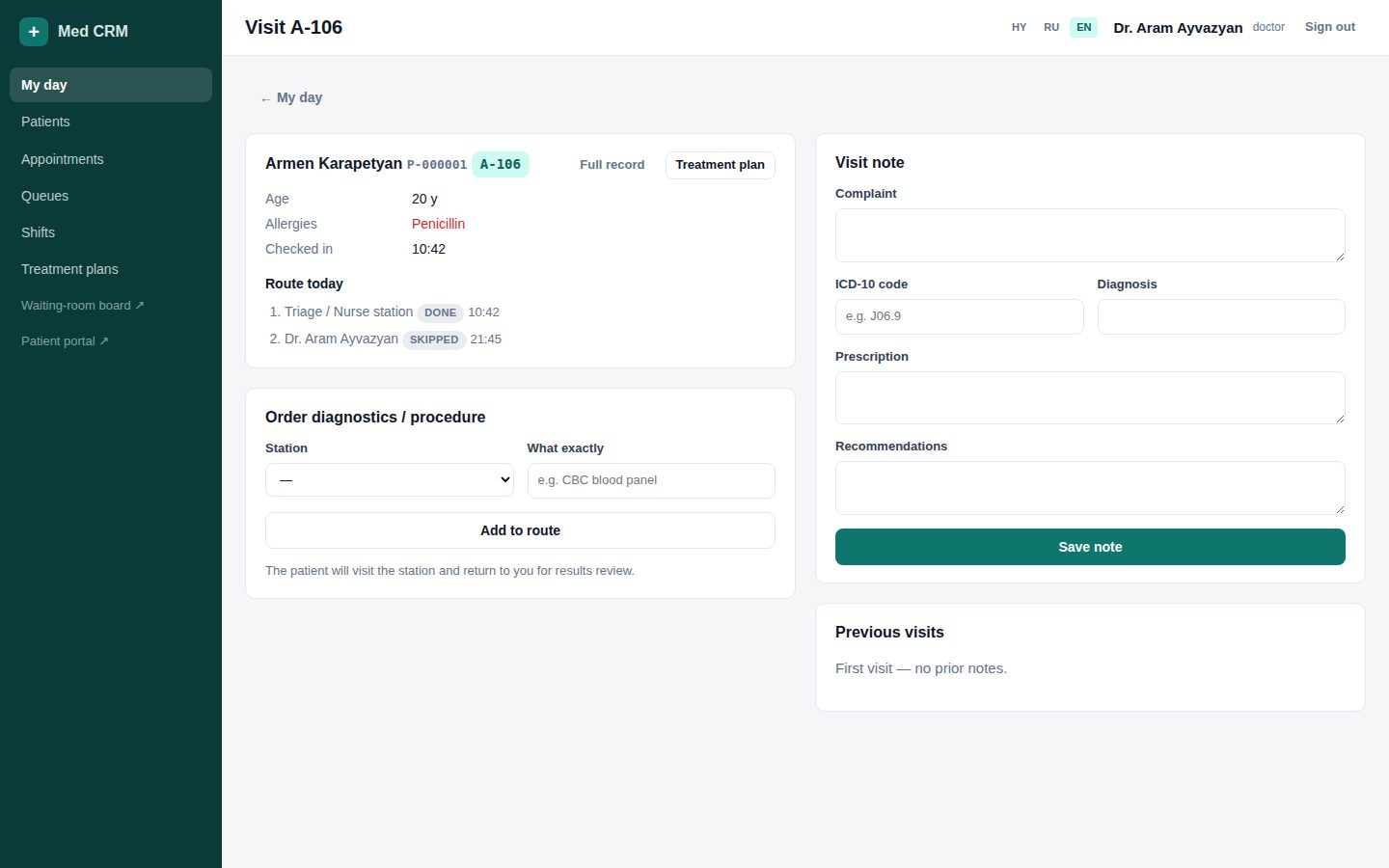
Visit — note, ICD, orders, then Finish
DoctorHead
The note is staff-only. Patients do not see diagnosis or prescription in the portal. Orders insert the next station plus a results-review step back to you.
Set password from the list when someone is locked out. Tell them in person.
Disable instead of deleting. History stays; they cannot log in.
Specialty HY/RU/EN is what patients see when they book.
Admin22 / 26
Services, stations, schedules
AdminHead
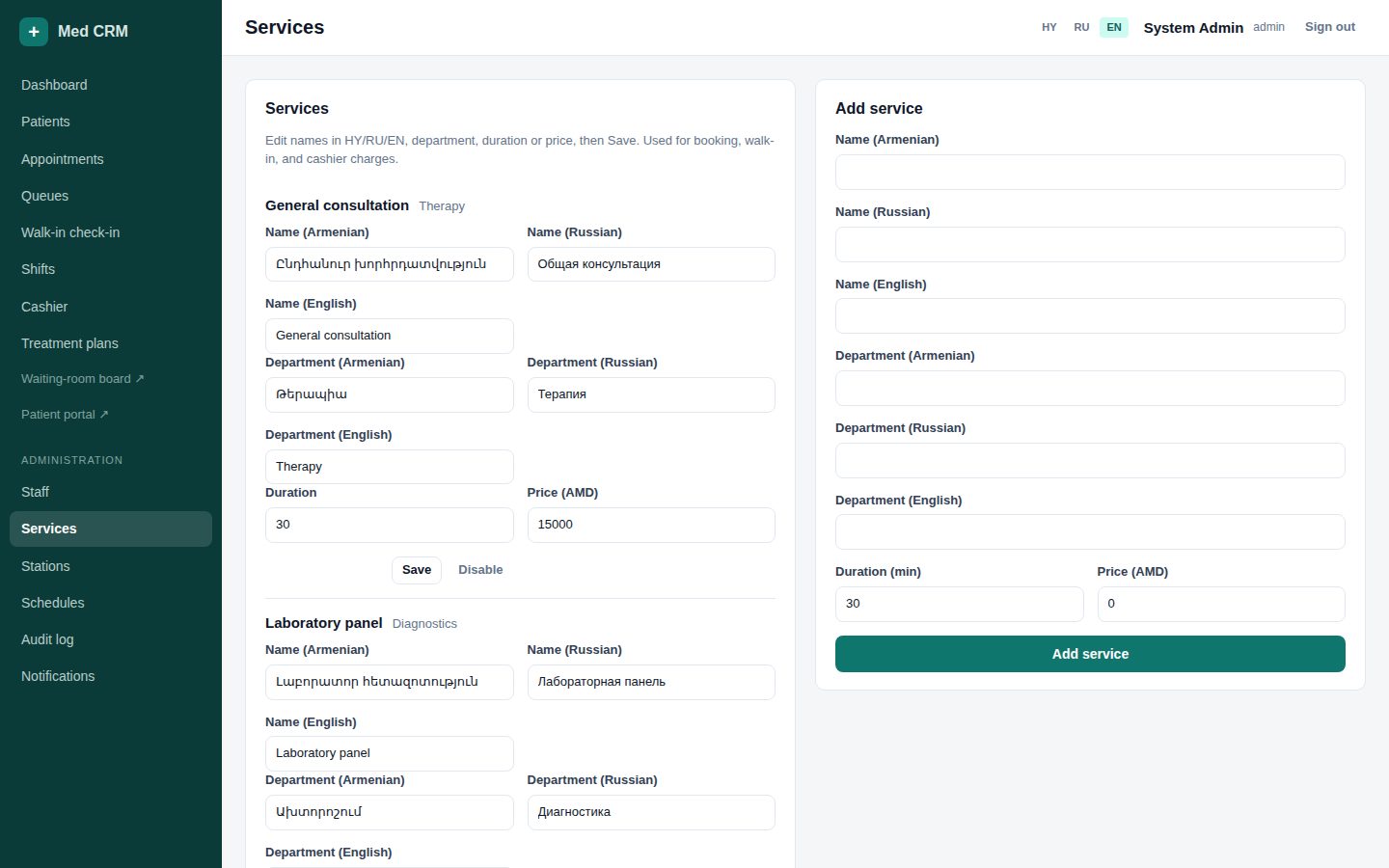
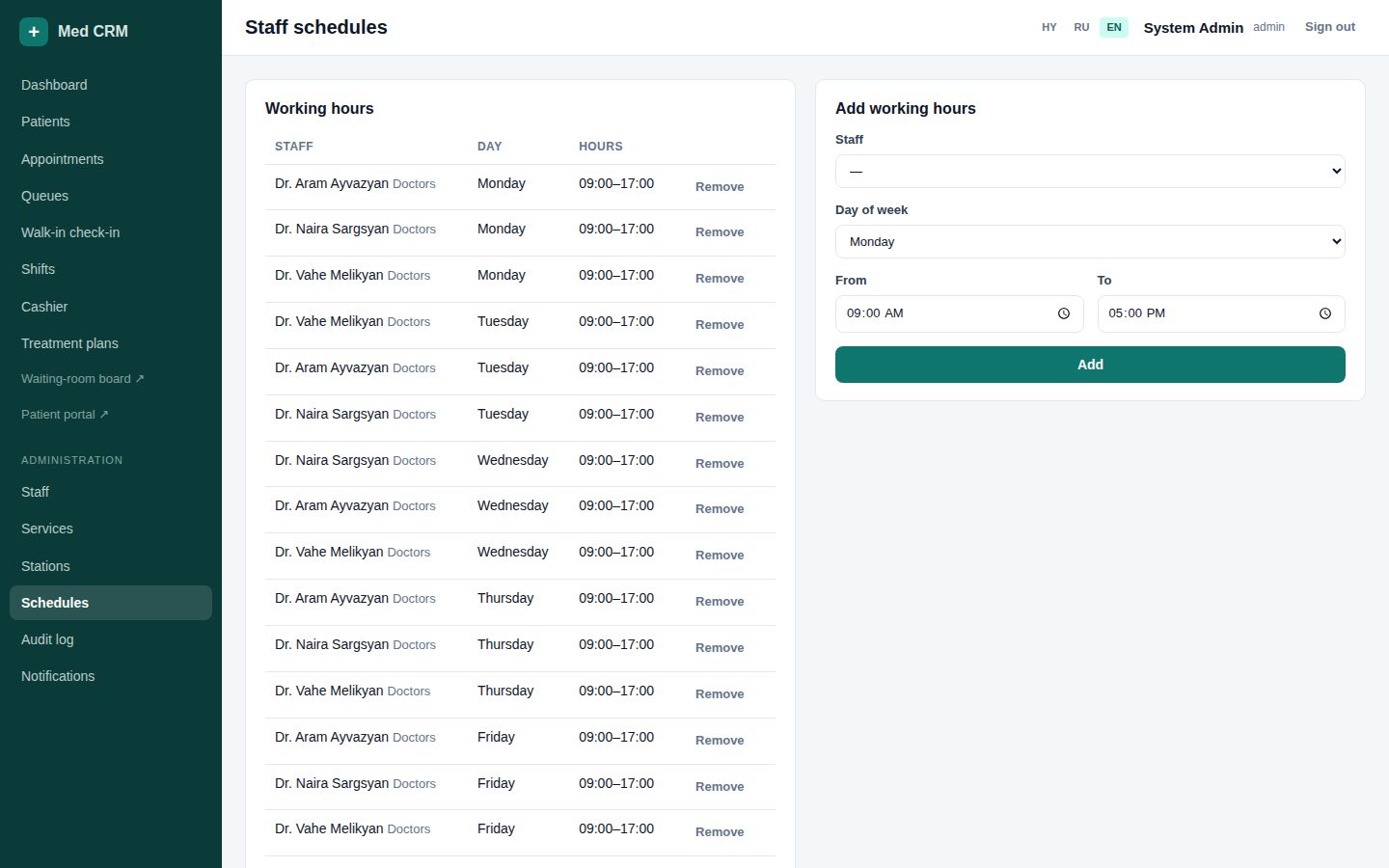
The price list drives booking duration and invoice amounts. Stations are rooms in the queue. Schedules are weekly hours for every clinical staff member.
Services: name + department HY/RU/EN, duration, price AMD. Toggle off instead of deleting used items.